Shared
CanvasPro Cloud
A flexible cloud solution for organisations of all sizes.

Technical overview · Network management
How CanvasPro Cloud schedules, publishes and proves content across a network of players: a guide for the IT teams who approve it and the operators who run it.
Technical overview · 2026

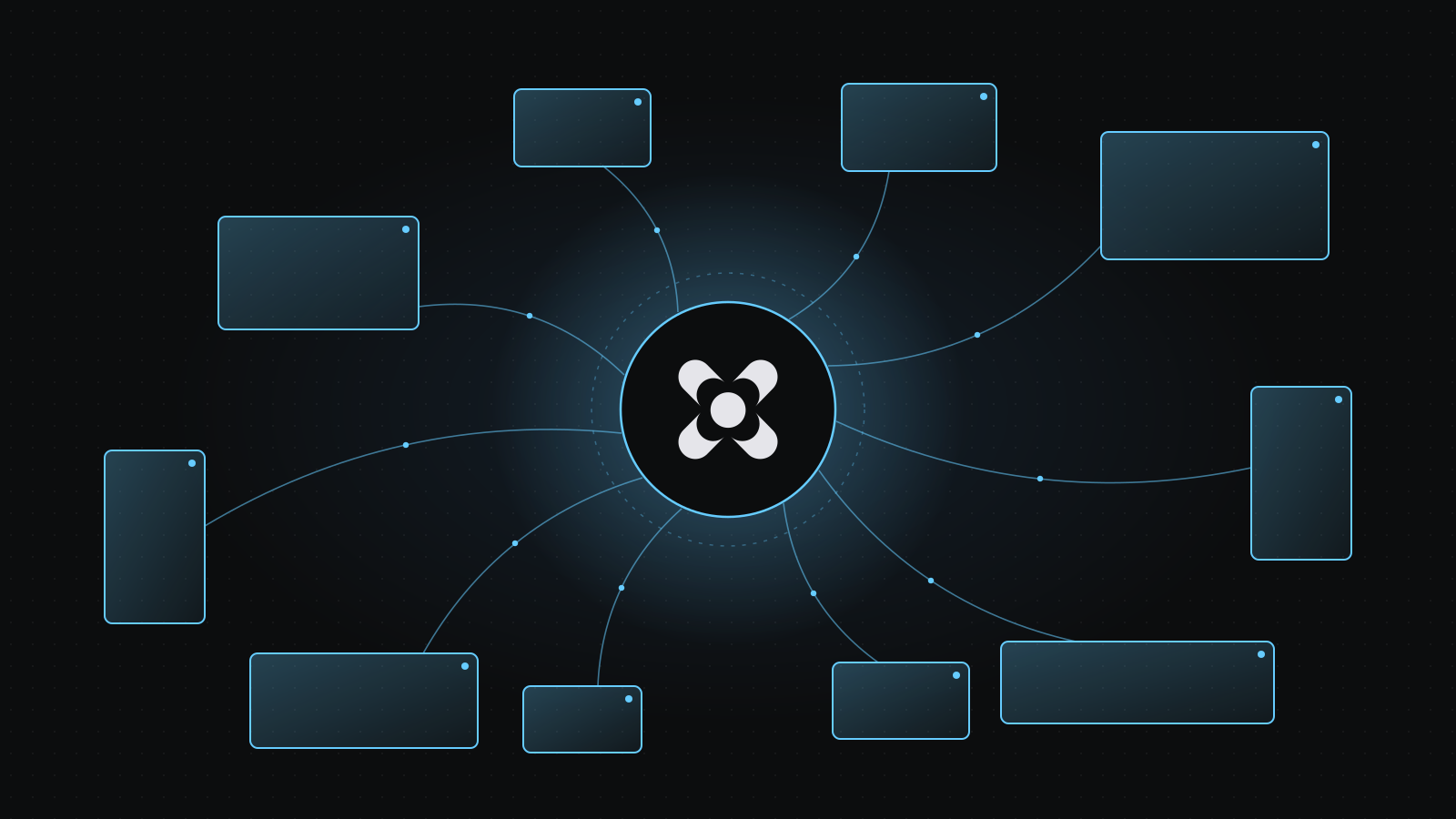
CanvasPro Cloud holds the network's media, schedules and records. Each player stores what it needs, plays it against its own clock and reports back.

CanvasPro Cloud runs on managed AWS services in London. Players connect out over the standard HTTPS port; nothing on site needs to accept connections from the internet.
Operators
CanvasPro Cloud · AWS London
Players on site
Outbound only
Players open the connection. No inbound internet access, port forwarding or VPN on site.
Offline by design
A player that loses its connection keeps playing, keeps its plays and catches up on reconnect.
Accurate clocks
Schedules follow the player's clock, so keep time sync on. Go-live commands are refused if a clock is more than about 30 seconds out.
Channels are edited as drafts and published explicitly. Each publish is versioned and reaches every assigned player in the network.
| Area | What it does |
|---|---|
| Devices | The licensed machines in the network, with their licence state |
| Players | Name screens, assign machines, re-point a player after a hardware swap and see its latest picture |
| Pair a device | Approve a new player from a phone by scanning its on-screen code |
| Assets | Upload and browse images and video; previews are created automatically and assets in use cannot be deleted |
| Templates | Image, video, colour, web, text and live stream, with network-wide default values |
| Channels | Queues and scenes with conditions (date, time, day and more, combined as All or Any) and a booking reference per scene |
| Frames | Layout editor up to the player's licence (Orb 1, Orb Max 4), with your own frame IDs |
| Proof of play | Plays and on-screen time per scene and booking, by hour and by player |
| Configure | Invite users and set roles; see licence pools; download a licence installer |
Media: JPG, PNG, WebP and GIF images; MP4, MOV, M4V and WebM video in H.264 or HEVC.
Live: see what is playing now on each channel and send a go-live from the channel page.
Players record each play the renderer actually showed and upload them every five minutes. Uploads retry and are de-duplicated, so nothing is lost or counted twice.
Recorded for every play
Each player shows its latest picture and licence state. Cards refresh every minute and flag "No signal" after 20 minutes without a report.
That the player played the content, for content published from Cloud. It does not monitor whether the screen itself was lit.
Every network has its own user directory and its own proof-of-play storage. No request can reach another network.
| Control | Detail |
|---|---|
| Sign-in | Email and password, with two-factor required: authenticator app or passkeys (no SMS) |
| Passwords | At least 12 characters, with upper case, lower case, a number and a symbol; never sent in plain form |
| In transit | TLS 1.2 or later; players verify the server certificate |
| At rest | Encrypted database storage; credentials held in a managed key store with rotation |
| Players | Per-machine credentials issued at licence activation and checked on every connection; short-lived tokens for requests |
| Data | Hosted in London; media is cached worldwide by the content delivery network |
| Role area | View | Change |
|---|---|---|
| Network & players | Network | Network Editor |
| Media | Assets | Assets Editor |
| Channels & schedules | Scheduling | Scheduling Editor |
| Proof of play | PoP | PoP Editor |
| Campaigns | Campaign | Campaign Editor |
Two more roles, Administrator and Root, cover the whole account. Every role is checked on the server for every request.
Players only need outbound HTTPS. Downloads resume after drops and checksums are verified, so weak connections are tolerated.
For the IT team: allow outbound TCP 443 from each player to these hosts.
| Host | Port | Use |
|---|---|---|
| licensing.digitalmedia.tech | TCP 443 | Licence check-in |
| *.canvaspro.tech | TCP 443 | CanvasPro Cloud |
| *.iot.eu-west-2.amazonaws.com | TCP 443 | Messaging (MQTT over TLS) |
| *.amazonaws.com | TCP 443 | Media downloads and proof uploads |
We set up your network with its own user directory, root administrator and storage.
Administrators invite users and give each one the roles they need.
Approve each player from a phone, or install it with a downloaded licence installer.
Shared
A flexible cloud solution for organisations of all sizes.
Dedicated
A dedicated, single-tenant hosted deployment.
Your environment
A tailored deployment hosted within your own environment.
Licensing
Support
Next step
Talk to us about your players, locations and team.
Prefer email? hello@digitalmedia.tech

© 2026 Digital Media Technologies Ltd. CanvasPro is a platform by Digital Media Technologies Ltd. Registered in England and Wales, company number 07767134. Registered office: 13 Harforde Court, John Tate Road, Hertford, SG13 7NW. Amazon Web Services, AWS and all other trade marks are the property of their respective owners.