

dmt logo CanvasPro One · Executive overview All brochures
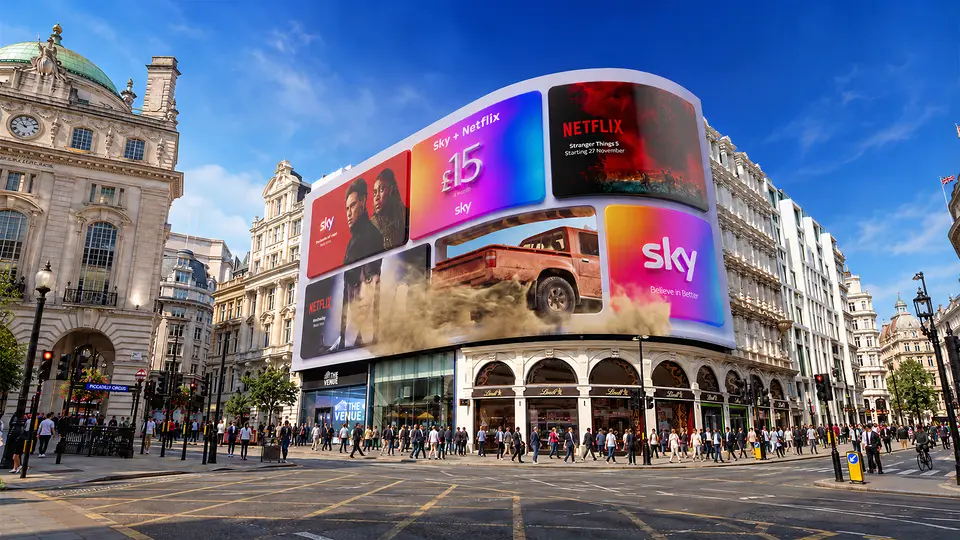
CanvasPro by Digital Media Technologies Ltd. The curved Piccadilly Lights screen above Piccadilly Circus on a sunny day

On-premises graphics & media server

Control the content.
Connect the environment.

Scheduling, live control and real-time graphics in one media server, run from any browser by the team in front of the screen.

4 or 6 framesUp to 8K+ canvasReal-time 3D graphicsBrowser & iPad control
CanvasPro One Executive overview · 2026
Why CanvasPro OneCanvasPro One

Three ways to drive a screen.
One that does all three.

Big screens rarely run on one tool. Signage software keeps the day moving, a media server handles the big moments, and custom code fills the gaps in between. CanvasPro One was born from the needs of Piccadilly Lights to bring all three together.

Simplicity of digital signage Power of a media server Flexibility of custom software CanvasPro One

Signage software

A ceiling, fast

Store-and-forward playlists work until a project needs live sources, real-time graphics or a change in the moment.

Media server alone

No daily backbone

The creative power is there, but uploading, scheduling and previewing everyday content takes a specialist.

Custom build

Start again, every time

Each installation reinvents the wheel and leaves a codebase someone has to maintain.

Piccadilly Lights above a busy Piccadilly Circus
Born at Piccadilly Lights

Built for one of the world's most recognisable digital landmarks, then made for every screen.

CanvasPro One · Executive overviewWhy CanvasPro One
What it doesCanvasPro One

Control. Perform.
Prove.

One control family for everyday signage, real-time media and live digital environments. CanvasPro One covers all three on a single on-premises server.

01 / Control

Rules, not routines.

Sixteen built-in scheduling conditions decide what plays, when and on which frame. Teams run everything from a browser or an iPad, with no dedicated control workstation.

16 scheduling conditions Browser & iPad control Roles & permissions
02 / Perform

Real-time, not looped.

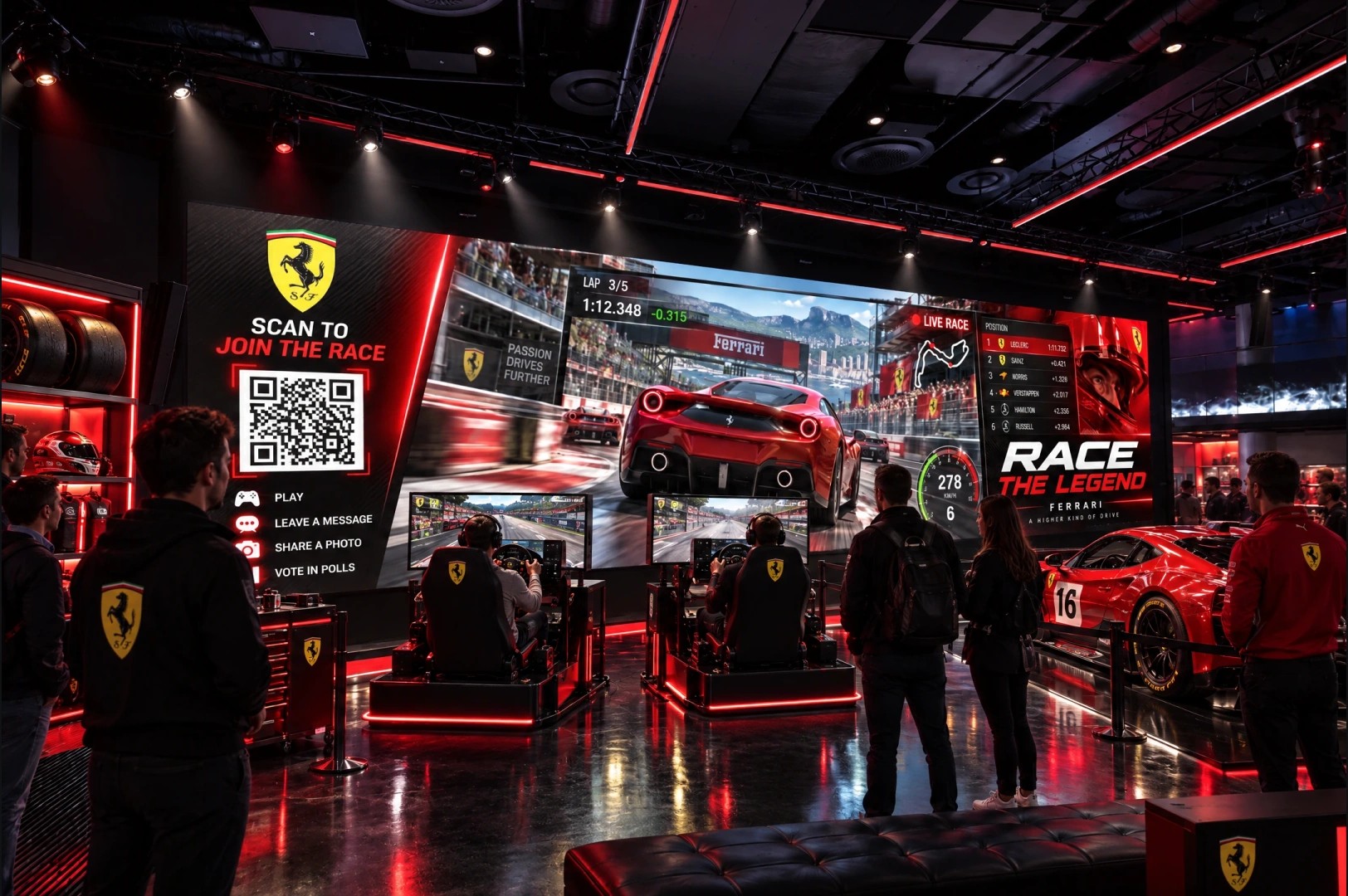
Live 3D graphics from the Ventuz 8 engine, live data and live video share the same scene. Content can trigger lighting, AV and show systems as it plays.

Ventuz 8 real-time 3D NDI 6 · SDI · HDMI · SRT HTTP · OSC · serial triggers
03 / Prove

Every play, on record.

Every scheduled play is logged on the machine with its timing, and anything the renderer failed to show is flagged. Content plays from local storage, so screens keep running if the connection drops.

Proof of playout Local playback Self-monitoring services
Visitors in front of a wall-sized LED screen showing a coral reef
CanvasPro One · Executive overviewWhat it does
Live operationCanvasPro One

Cue. Preview.
Take.

Live moments without the risk. Check the next scene before it goes to air, take it when the moment is right, and let the schedule pick up again on its own.

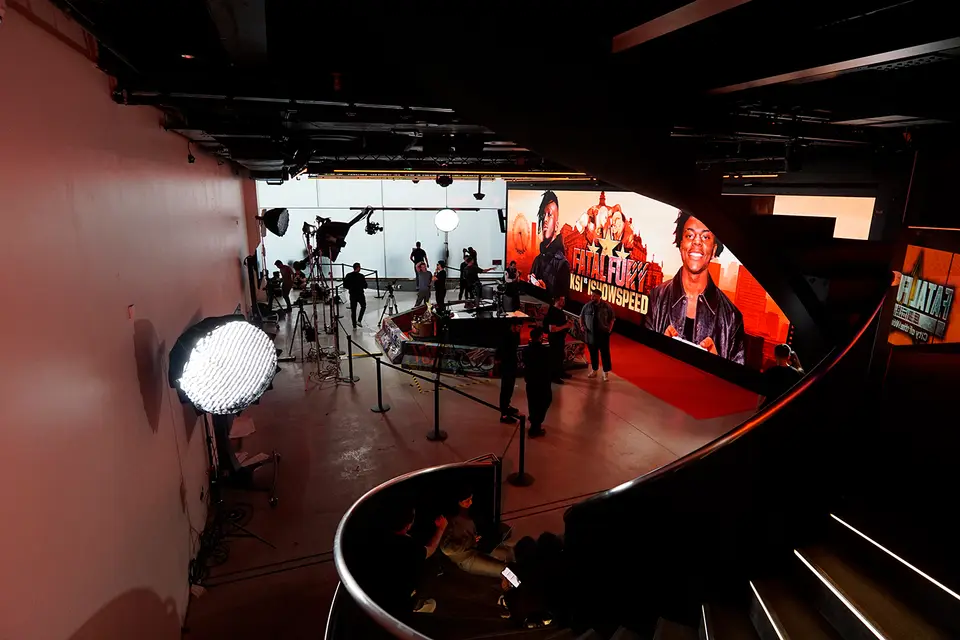
Sky Sports presenters on a set wrapped in LED walls at Piccadilly Lights The Venue
Piccadilly Lights The Venue

LED, AV, CanvasPro, interactivity and live broadcast in one venue platform.

Cue output Preview Ad break Force Live Take Main output On air Now playing Schedule Scene 1 Scene 2 Scene 3 Scene 4 Scene 5 Back toscheduleautomatically

Force live

Put any scene or queue on air now; the channel returns to its schedule afterwards.

Interrupt

Sponsor reads, replays, ad breaks and emergency announcements, without rebuilding the day.

Operator mode

Editing controls stay hidden until Editor mode is switched on, so live screens are protected.

CanvasPro One · Executive overviewLive operation
In operationCanvasPro One

Live on the UK's
most iconic screens.

From the curved screen above Piccadilly Circus to the racecourse at Royal Ascot, CanvasPro runs content where the audience is watching and every moment has to land.

A crowd facing a wide LED wall at Piccadilly Lights The Venue
The Venue · CanvasPro

Immersive LED, live events and broadcast in one venue.

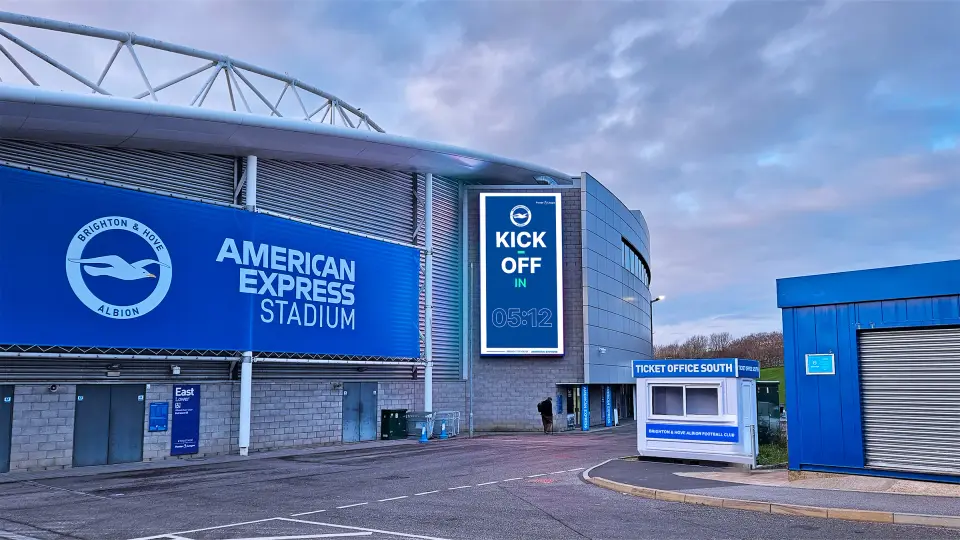
Portrait LED screen counting down to kick-off outside the American Express Stadium
AMEX Stadium · CanvasPro One

Matchday content on the large-format LED at the home of Brighton & Hove Albion.

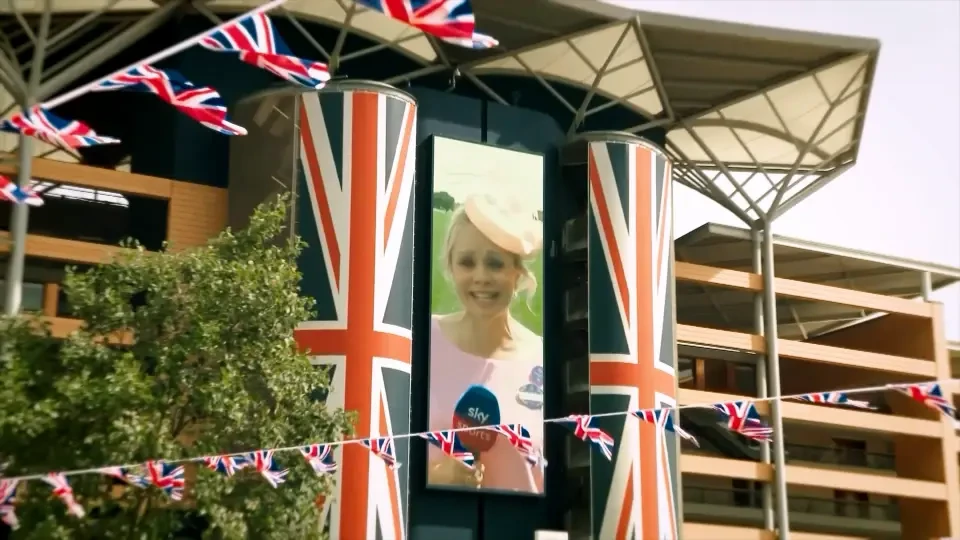
Portrait LED screen between Union Jack pillars at Royal Ascot
Royal Ascot · CanvasPro One

Live race feeds, schedules and sponsor content on a landmark portrait screen.

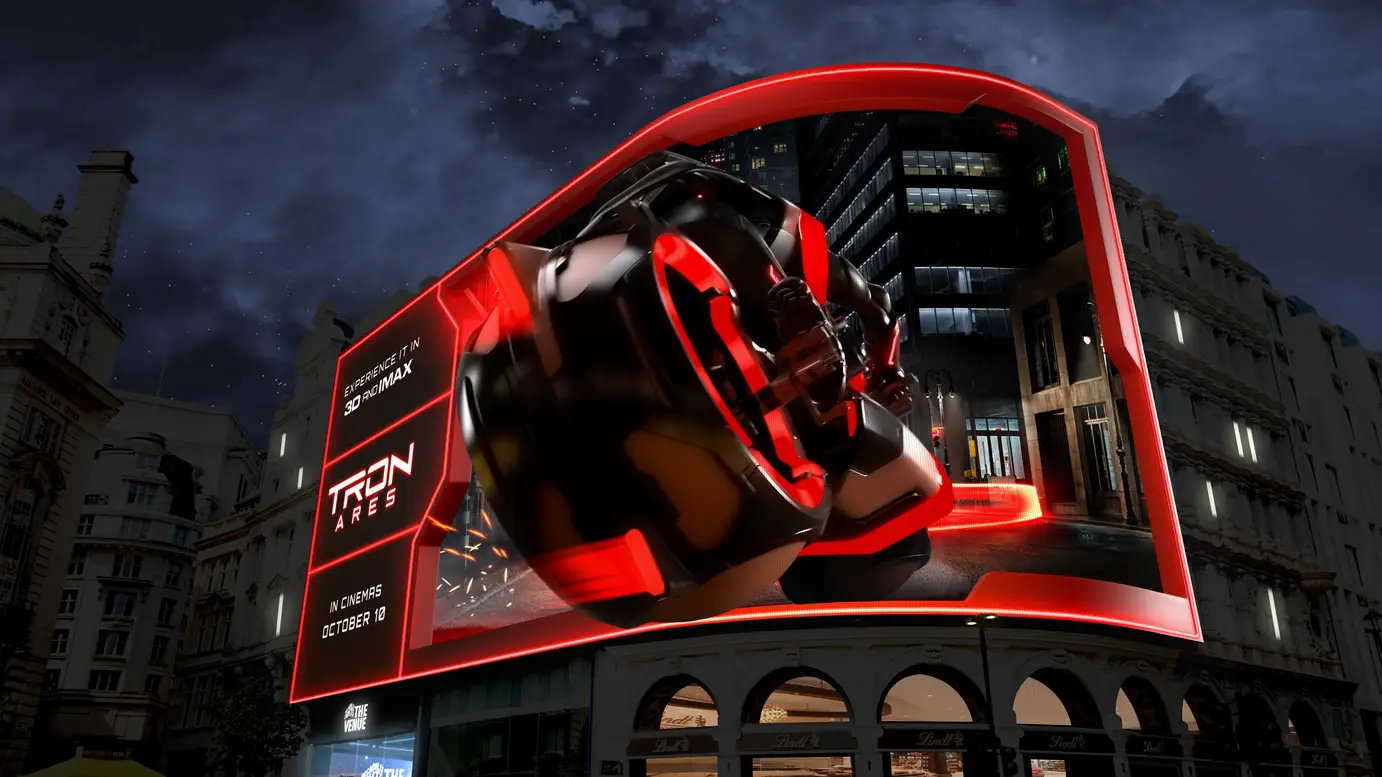
Piccadilly Lights at dusk showing 3D content
Piccadilly Lights · CanvasPro

Scheduling, playback and live updates on one of the world's most recognisable screens.

CanvasPro One · Executive overviewIn operation
Choose your levelCanvasPro One

Two levels.
One way of working.

CanvasPro One 01020304

For everyday operation and real-time experiences.

Frames
4
Canvas
2 × 4K or 16 megapixels, any aspect ratio
Channels
20
Best for
Retail, workplaces, visitor information and single-screen venues
CanvasPro One Max 010203040506

For larger canvases and more demanding environments.

Frames
6
Canvas
8K+ or 33 megapixels, any aspect ratio
Channels
30
Best for
Large LED canvases, stadiums, live venues and immersive spaces
CanvasPro One · Executive overviewChoose your level