01
Whatever you show, Orb plays it.
Video and images, live streams, web pages and live text, rendered on the graphics card rather than through a web browser.
4K videoHAP on the GPUWeb & WebGLLive streams


The signage player
CanvasPro Orb brings media-server picture quality to everyday screens, on a compact player that sets itself up and keeps itself running.
Executive overview · 2026

Where CanvasPro One can do almost anything, CanvasPro Orb is focused on signage. That focus keeps it light on processor, memory and graphics, so it runs smoothly on affordable mini PCs.
01
Video and images, live streams, web pages and live text, rendered on the graphics card rather than through a web browser.
02
Orb starts on its own after power cuts, restarts itself if the player stops and reconnects dropped streams. Content plays from local storage.
03
The same scheduling, queues and browser interface as CanvasPro One, so teams learn one system across the whole estate.
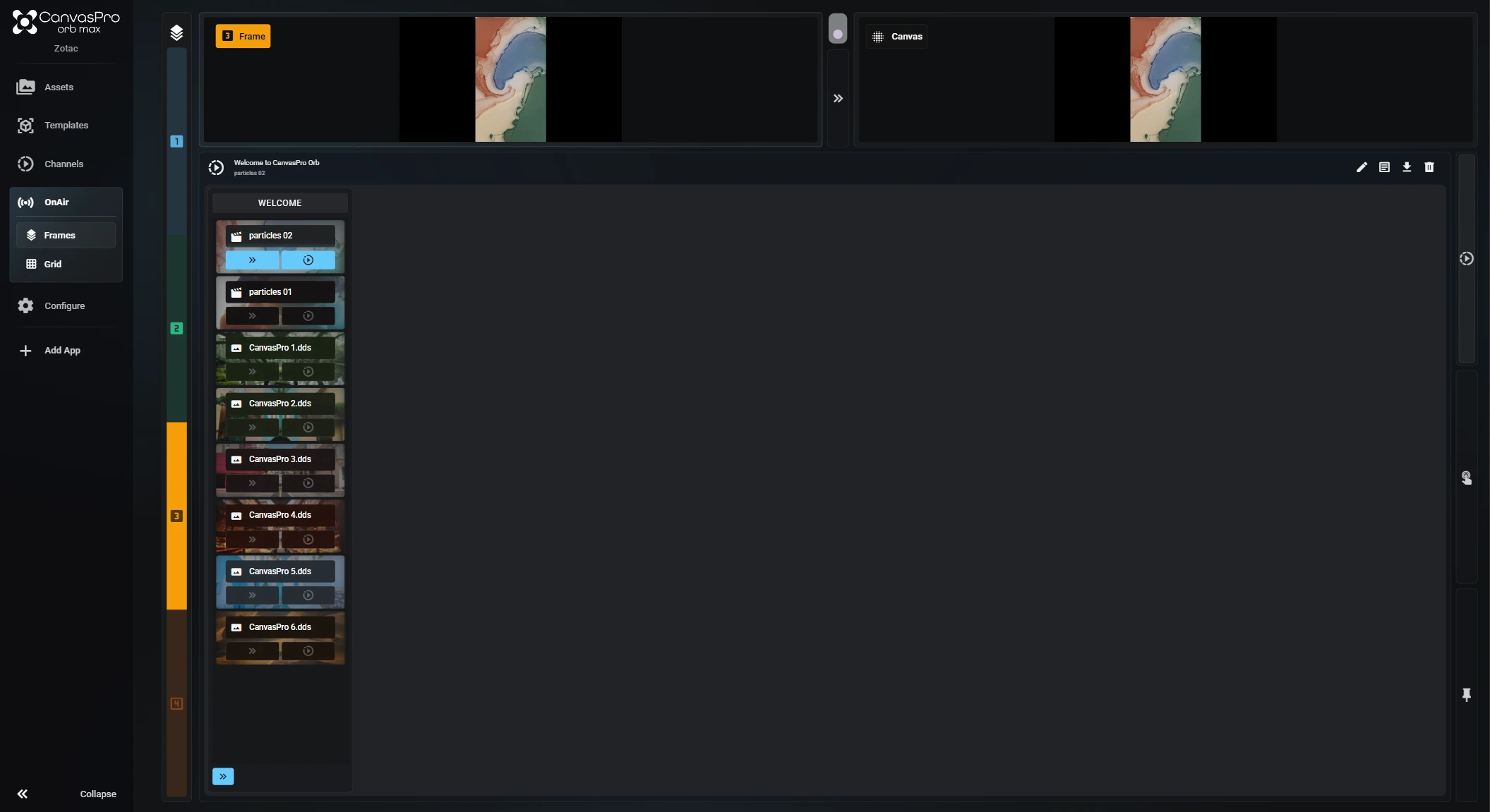
CanvasPro Orb OS boots straight into the player. Power on and it goes straight to the show: no desktop, no logins and no Windows licence.
The player boots straight into CanvasPro and shows a code on screen.
Scan the code and paste your licence. If anything is wrong, your phone says why.
Content plays from the player's own storage, and keeps playing if the network drops.
The same player and the same content on both. Mix them in one network.
Orb has its own renderer, so there is no third-party engine licence on top of CanvasPro.
Built for
For one screen per player.

For two screens, or up to four content regions, from one player.
Next step
Tell us about your screens and locations. We will show you how CanvasPro Orb fits.
Prefer email? hello@digitalmedia.tech

© 2026 Digital Media Technologies Ltd. CanvasPro is a platform by Digital Media Technologies Ltd. Registered in England and Wales, company number 07767134. Registered office: 13 Harforde Court, John Tate Road, Hertford, SG13 7NW. All other trade marks are the property of their respective owners.